
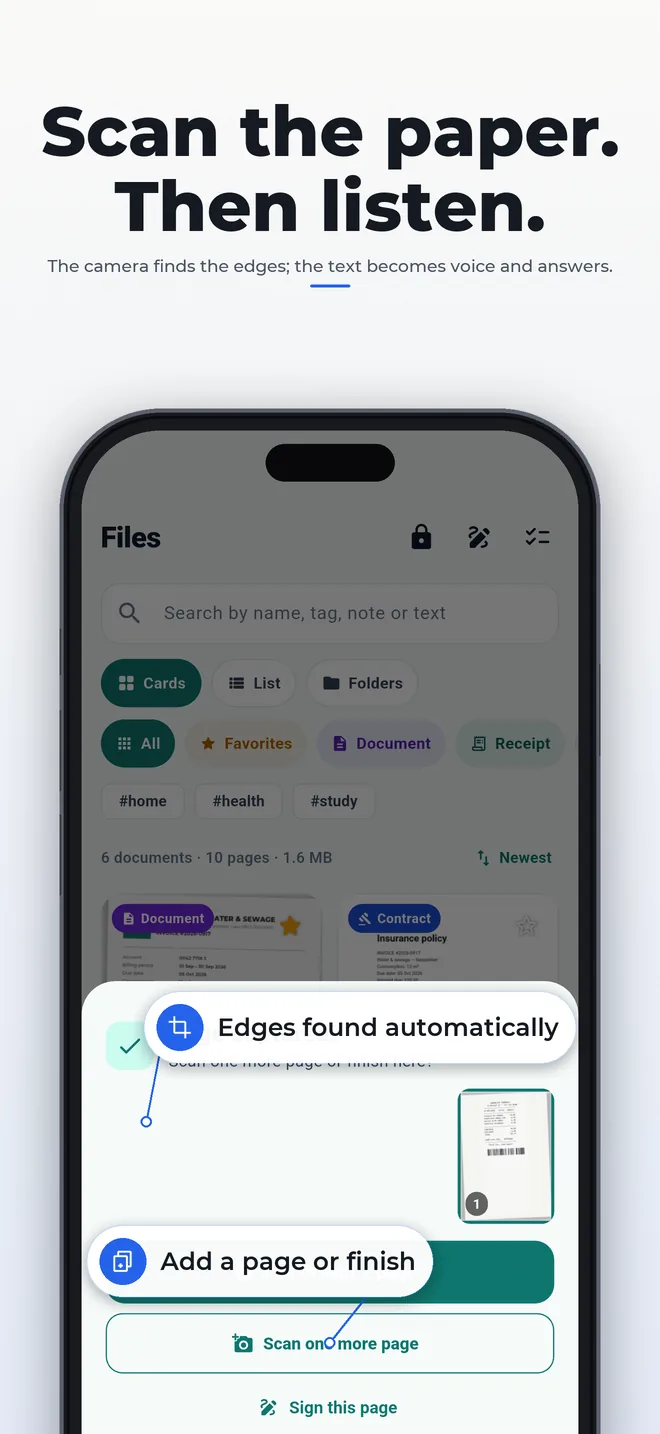
Scan the paper. Then listen.
The camera finds the edges, straightens and sharpens the page. The text becomes search, voice and answers — recognized on the device, nothing uploaded.
Folira · private scanner
Point the camera at any page, sign with your finger and have the document read aloud. Nothing leaves your phone: no account, no cloud, no subscription.
Download for free


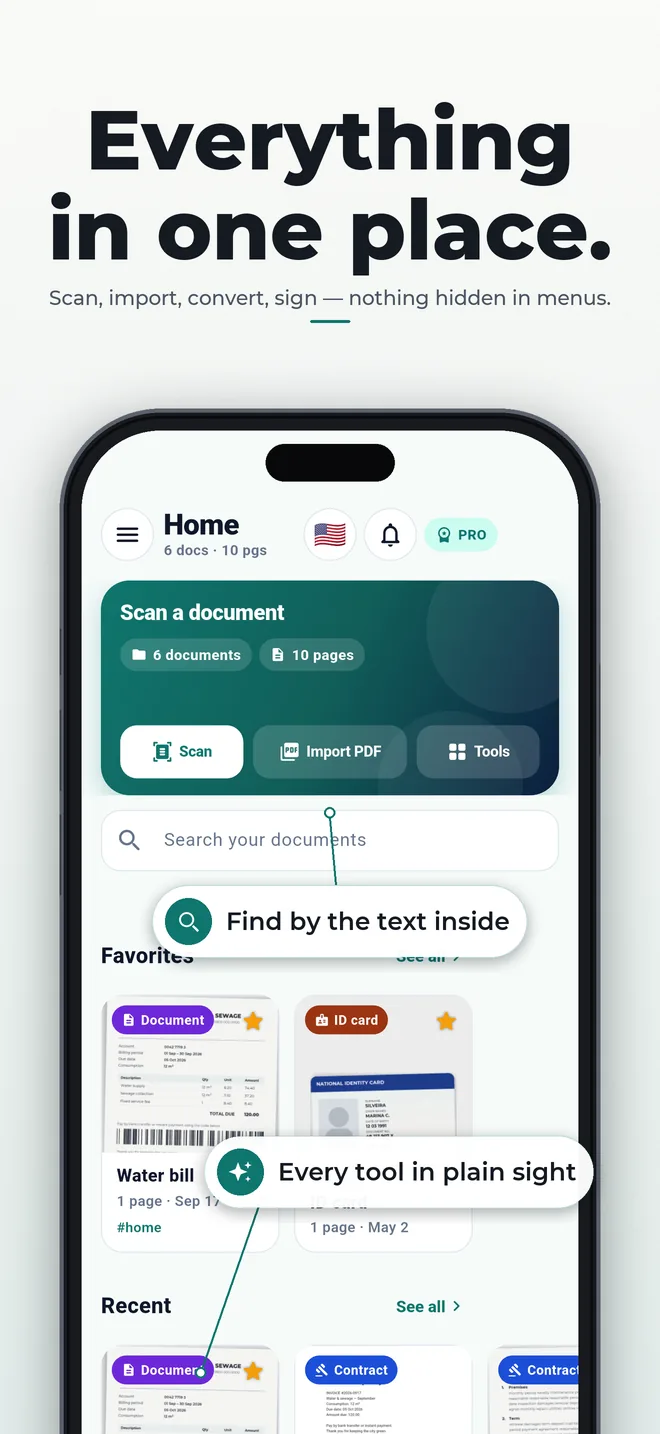
The camera finds the edges, straightens and sharpens the page. The text becomes search, voice and answers — recognized on the device, nothing uploaded.
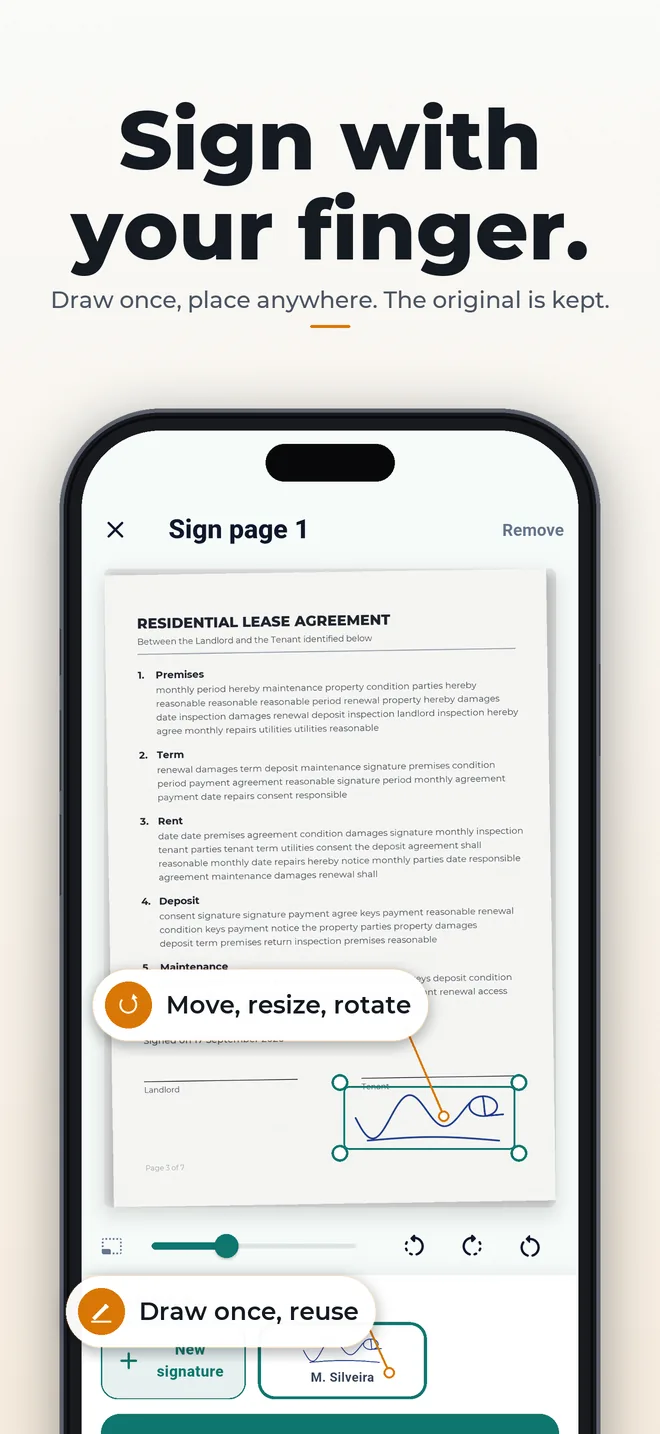
Draw once, place it anywhere, resize it. The original page is kept; reuse the signature on any document.
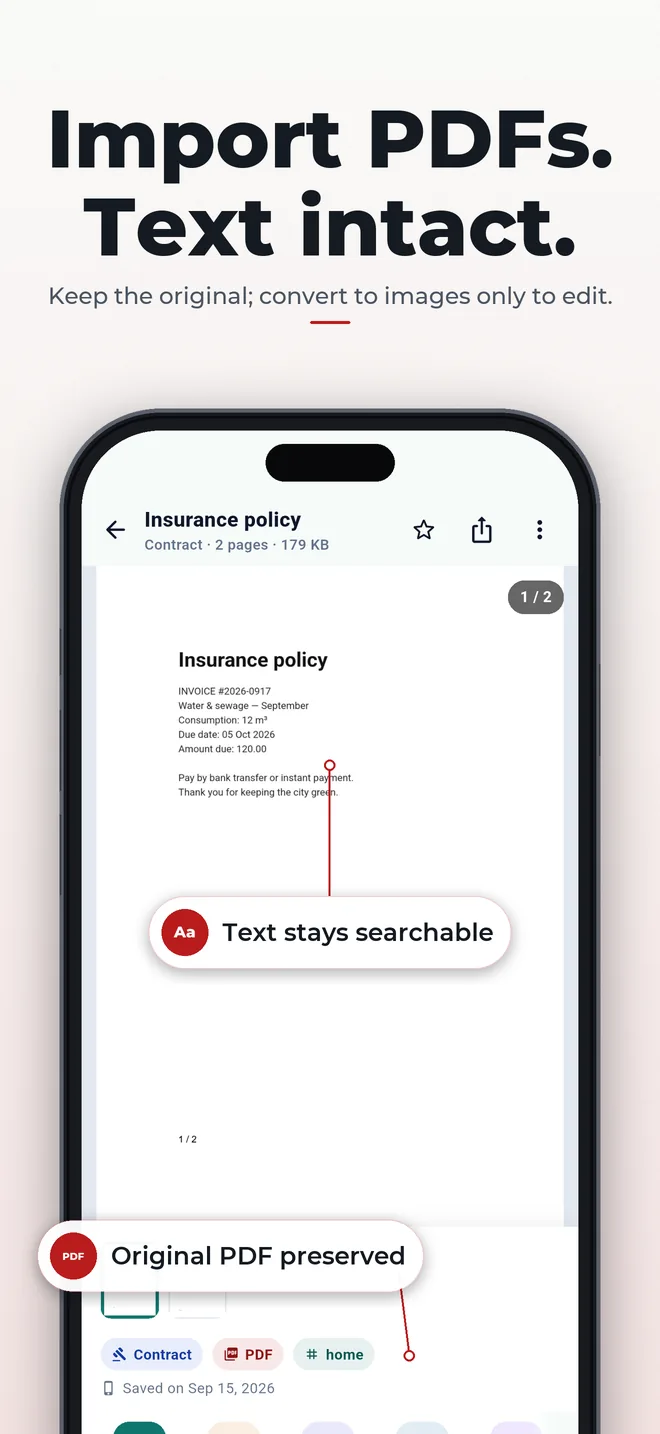
PDFs come in with searchable text, never flattened to images. Merge, split, convert images ↔ PDF and compress — you see the size first.
Recognize text, search inside your documents, copy or share it — offline.
Import, merge, split, add text, watermark and page numbers; compress in three sizes.
Images ↔ PDF, remove photo backgrounds, clean paper and shadows — right on your phone.
Folders, tags, favorites, 30-day trash, ZIP backup and a Vault behind Face ID / Touch ID.
Read aloud with your device’s voice, current sentence highlighted, adjustable speed. 15 min/day free.
Summary, dates and amounts answered by the AI built into your phone — nothing is sent to a server.
Scan 5 pages for free, for life — viewing, sharing and deleting are never blocked. To keep scanning, Folira Pro is a single purchase: unlimited pages and listening, no subscription, no renewals. The price is shown in the store, in your currency.
Only on your device, in the app’s private storage. Nothing is uploaded — not for text recognition, not for backups. If you delete the app, the documents go with it: use Settings → Export everything to keep a copy.
No. Folira works without an account and without internet. The app only exchanges an anonymous device key with our servers (to remember the free-page counter and your Pro purchase) and, if you allow it, anonymous usage statistics.
You can scan 5 pages for free, for life. Viewing, sharing and deleting are never blocked. To keep scanning, Folira Pro is a single purchase: unlimited pages, no subscription.
Open Folira Pro (Settings or the banner) and tap “Restore purchases”. The store recognizes your purchase. Family Sharing is supported.
OCR runs on your device and is a help, not a source of truth — always check important numbers against the original page. Better light and a flat page improve results.
Read-aloud uses the voices already on your device (iPhone with iOS 15.5+ and Android 8+). The on-device AI answers on recent models: Apple Intelligence on iOS 26 and Gemini Nano on Pixel 8, Galaxy S24 and newer.
In the app: Settings → Report a problem (you can attach a screenshot of the previous screen) or Settings → Talk to me. We answer inside the app. Email: hello@folira.app.
Download Folira, scan your first page in seconds and watch everything stay on your device.